Payment and terminals
Pay by phone, by plate
- AcceptsPhone, by plate number
- HardwareNo hardware
€500excl. VAT
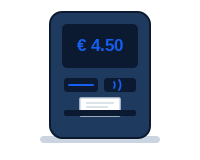
Rivikon · Pay station
€5,038.80 incl. VAT
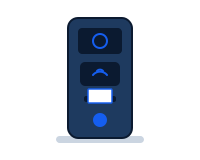
A self-service payment kiosk for paid car parks: touchscreen, stand and a built-in myPOS Sigma card terminal. It is connected to the Rivikon system in real time - as soon as the payment goes through, the exit knows and the barrier rises.
When people you do not know - customers, patients, visitors - come to the car park and have to pay for their stay. Typical for paid car parks, truck parks, shopping centres and hospitals.
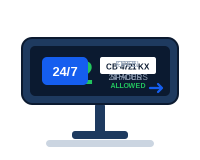
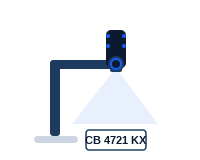
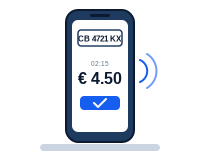
Pay by phone (€500) needs no hardware: the driver looks up their plate and pays online. It suits smaller sites. The pay station is for places with more traffic and for people who prefer to pay on the spot. The two can run side by side.
Tariffs - per hour, per day, free minutes, subscriptions - are set in the Rivikon Access software. The pay station takes them from there, so changing a price does not need a technician on site.
| Screen | touchscreen |
|---|---|
| Payment | bank card, contactless - myPOS Sigma terminal |
| Fiscal receipt | yes, under Ordinance N-18 |
| Mounting | on a stand, included in the price |
| Connection | real time with the Rivikon Access software |
| Warranty | 24 months |
The pay station with a touchscreen and myPOS Sigma terminal costs €4,199 excl. VAT (€5,038.80 incl. VAT), including the stand and integration with the system.
Yes. With pay by phone (€500) the driver pays online by plate and no hardware is needed on site.
Yes. The Rivikon pay station issues a fiscal receipt on payment, as Bulgarian Ordinance N-18 requires. How to set up a paid car park step by step is in how to set up a paid car park.
Yes. The Rivikon pay station can also take cash. The model in the catalogue is for card and contactless payment (€4,199 excl. VAT), and the cash payment version is quoted separately - get in touch.
Choose the products and quantities. Prices exclude VAT.
We come to the site and check the surface, distances and compatibility.
We send an exact quote with installation, then install and set everything up.